Utility Invoice Automation for Accounts Payable
From inbox to paid: AI invoice capture, automatic GL coding and auto-approval under the limits you set, with a queue for every bill that needs a person.
Book a Demo
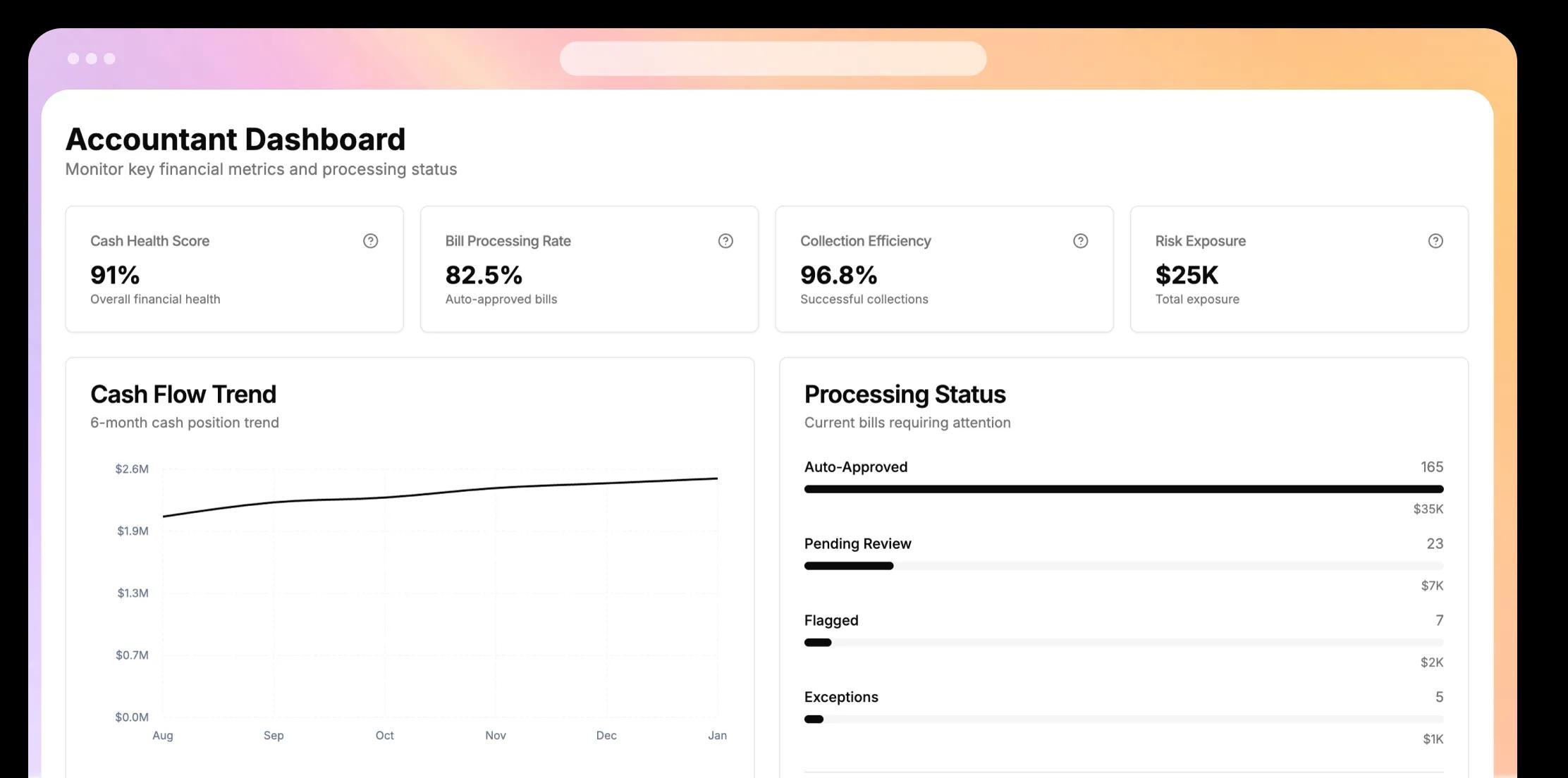

From inbox to paid: AI invoice capture, automatic GL coding and auto-approval under the limits you set, with a queue for every bill that needs a person.
Book a DemoAirBills is built with love by the same minds behind these successful companies - now powering your utility management.





AP teams review only the bills that fail a check and close the month from one set of statements.
Invoice capture accuracy
Shorter close time
To go live
Where AP teams usually go next.
AI invoice capture, GL coding and auto-approval for utility bills.
20+ PMS integrations, 110+ connectors in total and a live Yardi sync.
Spend by biller, market and bill type, and answers in plain English.
Owner-name utilities kept on and paid between guests.
Tenant utility recovery and coded bills for commercial portfolios.
How Vacasa handed its utility function to AirBills and grew bill volume with the same team.
AP automation, end to end.
Invoice capture is 99%+ accurate. Each bill is also checked on 9 fields: bill type, biller name, GL code, address, account number, bill cycle, bill month, due date and amount.
Yes. You set the spike percentage and dollar limit for each bill type, separately for vacant and occupied homes. Bills under both limits are approved automatically. The rest wait for a person.
Bills with an amount spike, a suspected duplicate or a biller mismatch go to the Flagged queue. They are not paid until someone on your team approves them or sends them back with a note.
If one or two of the 9 checks fail, or the bill is prorated because occupancy changed mid-cycle, it waits in the Draft queue sorted by due date. You can approve bills one by one or in bulk from a CSV.
Each bill is coded automatically by bill type, biller and property using your charge codes. The codes sync with your accounting system, and the code shows on every bill in the payables queues.
The Missed Bills page lists every expected bill that has not arrived, by property, biller and property manager, along with the monthly receipt rate.
Can't find what you're looking for? Contact our customer support team